27
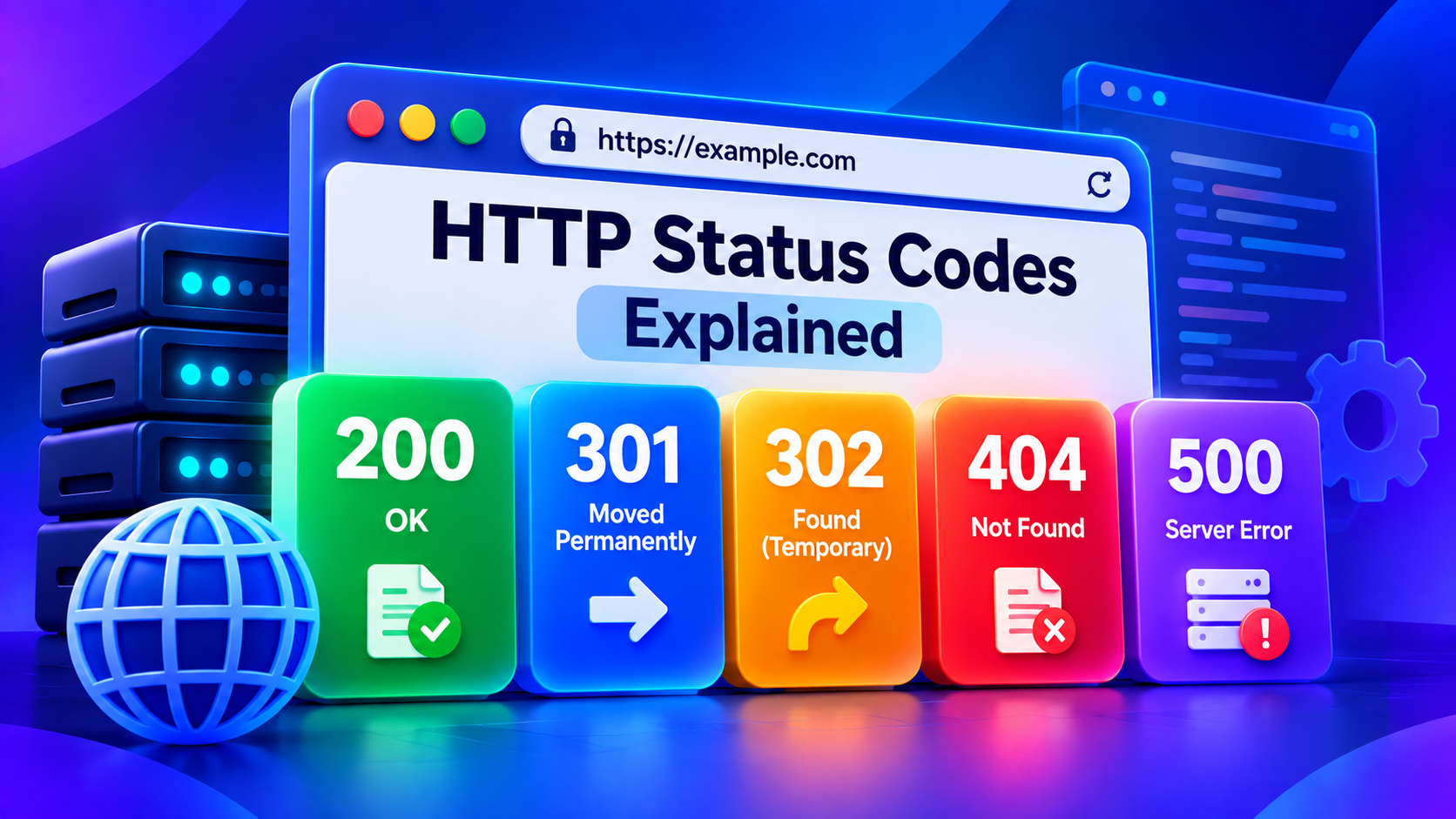
HTTP Status Codes Explained
Understand 200, 301, 302, 404, 500 and other important HTTP status codes for SEO, websites and troubleshooting.
HTTP status codes tell browsers, search engines, APIs, and other clients what happened when they requested a resource.
Understanding them is useful for SEO, web development and troubleshooting.
2xx: Successful Requests
200 OK
The request completed successfully.
This is the normal response for a working webpage.
201 Created
Often used by APIs when a new resource has successfully been created.
3xx: Redirects
301 Moved Permanently
The requested resource has moved permanently.
This is commonly used when:
- changing URLs
- migrating domains
- consolidating duplicate URLs
- redirecting HTTP to HTTPS
302 Found
A temporary redirect.
Use it when the change is intended to be temporary.
4xx: Client Errors
400 Bad Request
The server could not process the request because it was malformed or invalid.
401 Unauthorized
Authentication is required.
403 Forbidden
The server understood the request but refuses access.
404 Not Found
The requested resource cannot be found.
A few 404s are normal, but large numbers caused by broken internal links should be investigated.
429 Too Many Requests
The client has exceeded a request or rate limit.
5xx: Server Errors
500 Internal Server Error
A general server-side application error.
Possible causes include:
- PHP errors
- application bugs
- database failures
- configuration problems
- permission errors
502 Bad Gateway
A gateway or proxy received an invalid response from an upstream server.
503 Service Unavailable
The service is temporarily unavailable.
This can occur because of maintenance or overload.
504 Gateway Timeout
A gateway waited too long for another service to respond.
Why Status Codes Matter for SEO
Search engines rely on HTTP responses when crawling websites.
Incorrect status codes can cause problems such as:
- deleted pages returning 200 instead of 404
- permanent redirects using the wrong redirect type
- redirect chains
- broken internal links
- server errors preventing crawling
Use your HTTP Status Code Checker to inspect URLs.
Final Thoughts
You don't need to memorize every HTTP code.
The main groups are enough for everyday troubleshooting:
2xx = success
3xx = redirect
4xx = request/client problem
5xx = server problem
When something goes wrong, the status code is often the fastest clue to where you should investigate next.
Contact
Missing something?
Feel free to request missing tools or give some feedback using our contact form.
Contact Us